
Posts Tagged ‘Black magic design’

New DaVinci Resolve 20 training books now available! HERE

These step by step training guides are for both new and existing users. Using a project based approach, you will discover how to edit a sophisticated trailer for a documentary feature, grade your film using DaVinci Resolve’s legendary color correction tools, enhance your soundtracks with Fairlight and build custom visual effects using Fusion.

With The Beginner’s Guide to DaVinci Resolve 20, you’ll learn how to:

  • Edit your own projects using industry standard editing tools.
  • Normalize audio levels and automatically mix music using the new Ducker track effect.
  • Read video scopes to adjust contrast, color balance and saturation.
  • Create secondary corrections using Color Warper and Color Slice.
  • How to set up projects, sync and manage audio files.

In The Editor’s Guide to DaVinci Resolve 20, you’ll discover how to:

  • Use advanced editing and trimming techniques for different genres.
  • Set up and manage complex projects using smart bins and metadata.
  • Automatically generate transcriptions to jump-start your editing.
  • Use trimming tricks and real time dynamic trimming.
  • Apply multi camera syncing and editing techniques.

The Fairlight Audio Guide to DaVinci Resolve 20 will show you how to:

  • Navigate and customize the Fairlight interface.
  • Work with the Fairlight Sound Library.
  • Create and edit dialogue, music and sound effects tracks.
  • Record voiceover, ADR and Foley tracks.
  • Work with audio track layers to stack, split and build a composite.

In The Colorist Guide to DaVinci Resolve 20, you’ll learn how to:

  • Balance and match footage using primary grading tools.
  • Analyze and color correct images with the help of scopes.
  • Track people and objects with windows and magic masks.
  • Migrate XML timelines and roundtrip workflows.
  • Work with nodes to create sophisticated grades.

The Visual Effects Guide to DaVinci Resolve 20 includes information on how to:

  • Composite using nodes.
  • Combine optimal takes with the split screen technique.
  • Track objects using the point tracker and planar tracker.
  • Compose with multi layer PSD files.
  • Create green screen compositing with the delta keyer and clean plate.

In Advanced Visual Effects Guide to DaVinci Resolve 20, you learn how to:

  • Enhance live action environments with 3D particles.
  • Use multiple keyers for advanced green screen keying.
  • Use Magic Mask to save time rotoscoping.
  • Work seamlessly with 3D assets.
  • Set up 3D scenes with cameras, lights and depth of field.

These books are designed for both beginners and professionals. Beginners will find clear and concise lessons to get you up and running quickly. If you’re a professional switching to DaVinci Resolve, you’ll find lessons that cover everything from the basics to working with audio, adding text, effects, and more. You’ll also find dozens of pro tips and tricks that will help you make the switch to DaVinci Resolve!

Here is the direct link: http://bmd.link/7tipKM

DaVinci Resolve 20 is officially here.
Blackmagic has finalized its latest post-production suite, introducing over 100 new features—many of them AI-powered.

🧠 From AI IntelliScript to Multicam SmartSwitch and major upgrades to Fusion and Fairlight, here’s everything you need to know about the final release of DaVinci Resolve 20:
👉 https://ymcinema.com/2025/05/28/blackmagic-announces-the-final-release-of-davinci-resolve-20/

Download from here: https://www.blackmagicdesign.com/products/davinciresolve

As a long time user of DaVinci Resolve Studio, I value this NLE highly in both my professional work as well as an academic when instructing my students.

Recently with the release of the new public beta version of DaVinci Resolve 20, and its huge amount of new features, their announcement video claimed about a possible upgrade fee in the future. Resolve is loved by users for both its intuitive use as well as its non-subscription, and thus this announcement created a worry that this non-subscription platform was coming to an end. However Darren Mostyn, who i highly recommend editors and colourists follow his YouTube account (click his name to go to that account), managed to speak to a representative from BMD Europe and get a full definition of what this upgrade fee will actually be. Check out the video below:

Blackmagic Design has just announced the latest update of their Non Linear Editing software, DaVinci Resolve 20. Their focus this time seems to be the editors and creators of Hollywood and pushing their NLE as the best choice for the demands of the content creation.

“DaVinci Resolve is the world’s only solution that combines editing, color correction, visual effects, motion graphics and audio post production all in one software tool! Its elegant, modern interface is fast to learn and easy for new users, yet powerful for professionals. DaVinci Resolve lets you work faster and at a higher quality because you don’t have to learn multiple apps or switch software for different tasks. That means you can work with camera original quality images throughout the entire process. It’s like having your own post production studio in a single app! Best of all, by learning DaVinci Resolve, you’re learning how to use the exact same tools used by Hollywood professionals!”

The upgrade software is available for both the free and studio (paid) versions from their website HERE

There is a recommendation that if you are willing to upgrade now, that you make sure you backup your databases, outputting and keyboard settings as well as any additional LUTs you may have installed.

My advise too would be not to upgrade if you have projects still in post… finish and deliver and wait for a break in your editing schedule before updating any NLE software. This will reduce any possible issues and incompatibilities for your workflows on a project.

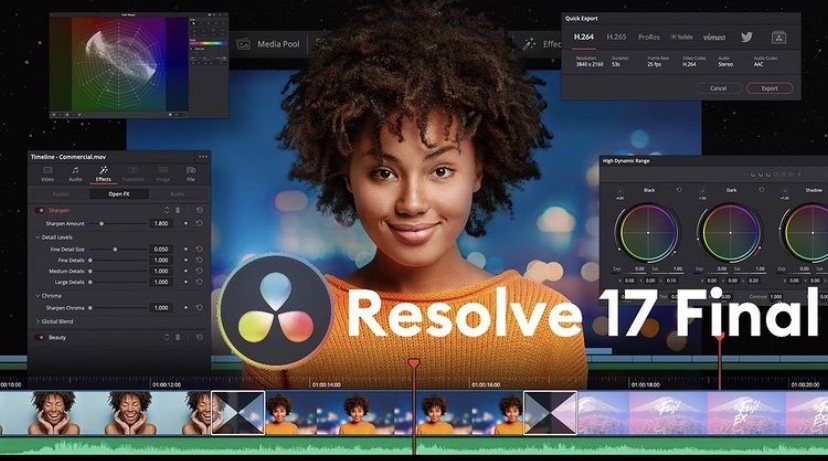
Blackmagic Deaign have finally released Resolve 17 from Beta testing to a full final release.

Blackmagic has also published a new 350 pages guide that focuses on the new features and improvements of the software. The guide is very informative and MUST for new (and advanced) users. Download it below

New features Guide

Also to note there is still an option to purchase the studio version with a free Speed Editor from select resellers. I purchased my Studio and Speed Editor from the team at Camerakit.ie (d+p products) you can check their website below as well as Blackmagic Designs page on Resolve 17

Blackmagic Design website

D+P Products

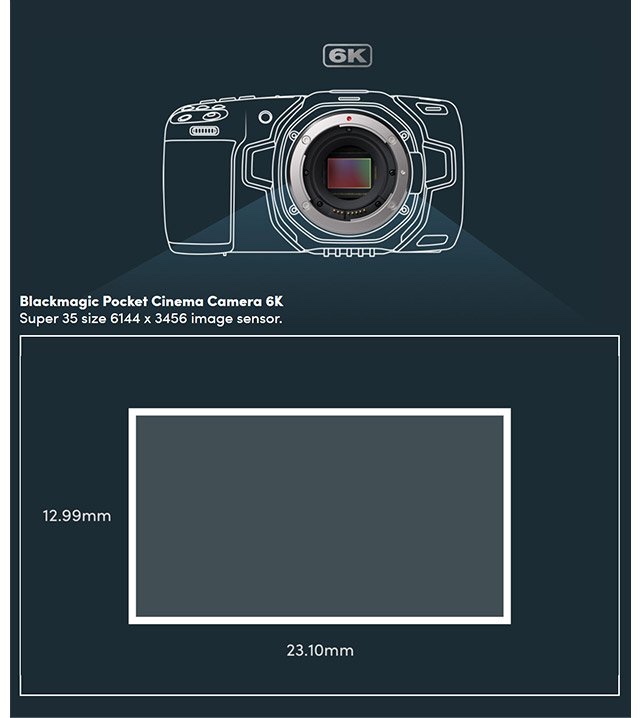
BlackMagic have decided to release the details of the 6K version of their Pocket Cinema Camera.

I would wonder if all those who are still on the waiting list for a 4K Version to arrive will they be changing their orders.

There are some very nice tech advancements…

KEY FEATURES

  • Active Canon EF Mount
  • Super 35-Sized HDR Sensor
  • Record 6K 6144 x 3456 up to 50 fps
  • Dual Native 400 & 3200 ISO to 25,600

However I question this one and it’s target market. I would assume the quality is superb but with a tag of over $2500 (Irish price would be more I would say), this camera now falls into a very saturated price category.

Depending on the user and their requirements for filming, is there a need from clients for 6K (at this time)? Does the client have 6K playback to maximize the viewing experience of the package?

Also with other 4K cameras, including the previous pocket cam (pictured above next to the 6k) would this be the better buy? I do however like the idea of all the EF glass now compatible with the BlackMagic pocket though, (long over due).

Here is a breakdown from Newsshooter.com which gives all the details

https://www.newsshooter.com/2019/08/09/blackmagic-design-releases-pocket-cinema-camera-6k-with-ef-mount/

If you get a chance and are in the Dublin area then get to the BVPS 2019 at the Aviva Stadium.

Some great kit on display with some fantastic deals only available at the event on the two days.

This slideshow requires JavaScript.

So with NAB happening this week, Blackmagic are due to announce the new version of their flagship software, DaVinci Resolve 16.

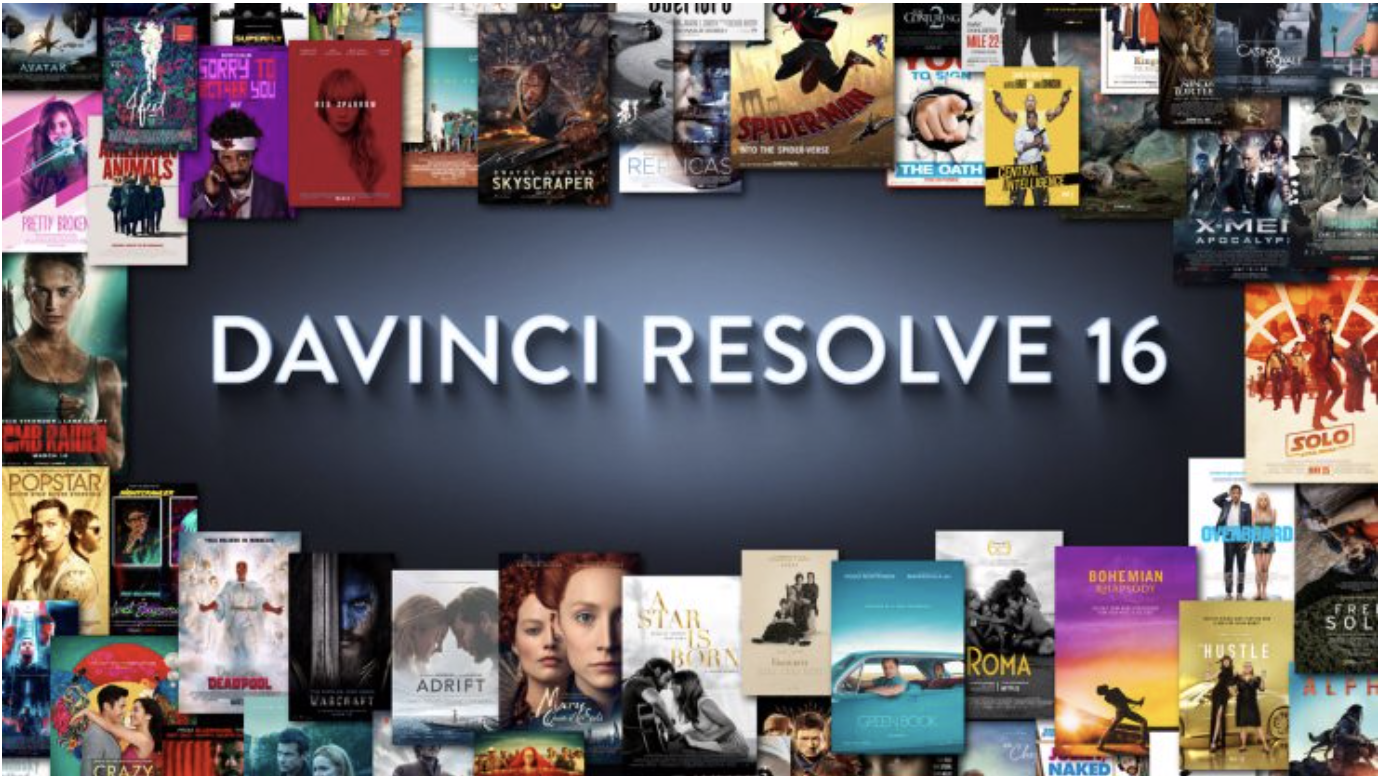
Blackmagic Design has published a new banner on their website promoting DaVinci Resolve 16 with the tag line ‘The revolution in editing starts at 9AM PDT on April 8th 2019.’ DaVinci Resolve 15 was first released in 2018 which integrated Fusion compositing right into the app. It is currently at version 15.3.

https://www.newsshooter.com/2019/04/05/blackmagic-design-davinci-resolve-16/

It will be interesting in what BM is going to give editors and colourists in this version but the banner above is an interesting choice. Eagle eyed film editors have noted that a number of the film posters dictated were actually cut using Avid Media Composer. One hopes that BM are using the posters to signify what their software will be capable of and not a false adverting mistake.

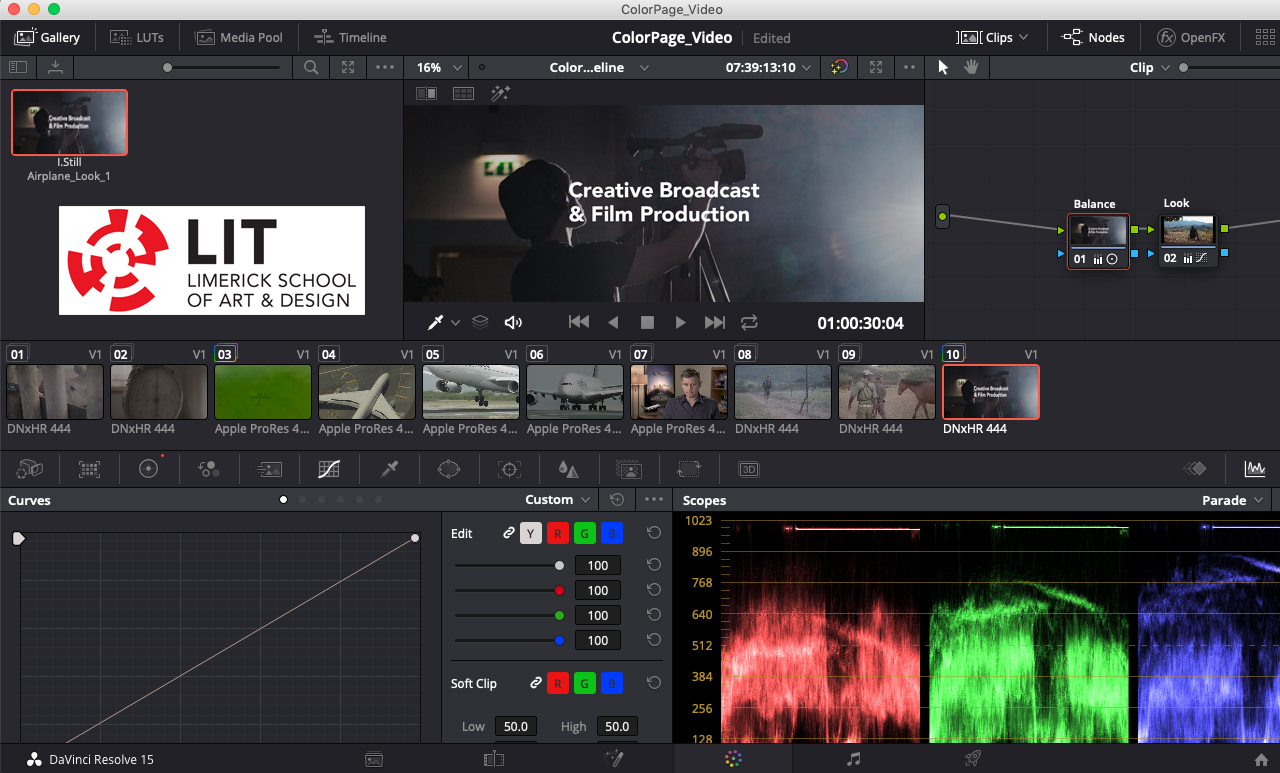
Either way, as a certified DaVinci Resolve Editor and lectuer I do like the workflow process this software creates and I hope to convince others at the Life Long Learning Festival of DaVinci’s capabilities on Tuesday Morning at LIT. Click on Picture below for more details.

S.

If you’re in the position of trying to decide on your 3rd level college options and have a passion for Film and Television or even just a keen interest, then this level 7/8 programme is a must.

What is the programme about?

This skills-based programme offers students an exciting opportunity to explore the world of the broadcast media industry, covering a range of disciplines across Film & TV Production, Visual Effects, editing, radio, audio mixing, photography, as well as broadcast technologies across a range of new and traditional media platforms.

Upon successful completion of this Level 7 programme, students progress to the Level 8 BSc (Honours) degree. We offer our students a range of prospects for both academic & career progression in the broadcast, film, creative media industries, as well as extensive hands-on production work experience. If you have a story to tell, we will show you how.

Key Features of the programme:

• Industry-led Production & Post Production Practices;

• Digital Photography & Cinematography Techniques;

• Creative Design for CGI, VFX & Digital Art Direction;

• Participate in the Limerick International Film Festival (Hosted by the film production course).

• Work in our state of the art Millennium Theatre on a range of live events, including the popular Awards Show for the Richard Harris International Film Festival.

• Work on Wired FM – our student Radio Station; Industry Tours & Award-winning Visiting Lecturers;

• Industry work experience– (Stage 3 Level 7)

• Modules are driven by dedicated staff with strong industry & academic careers;

• Outstanding graduate employment opportunities in the Film & Broadcast industries.

Who is the programme suited to?

If you are interested in filmmaking and storytelling on screen, this programme aims to develop the practical creative and technical skills and knowledge you will need to succeed in the dynamic world of film and broadcast production across a range of screen platforms.

Top 3 Reasons

1. High quality facilities.

2. Practical, hands-on experience with Wired FM.

3. Industry-experienced lecturers who give you the thorough, hands-on and personal support you need to make the most of your education.

Class Contact Hours

24 hours per week

Awarding Body

Limerick Institute of Technology

Other Information

COURSE PROGRESSION LADDER

Year 4: Level 8 BSc (Hons) Audio & Video Production

For more info check out the full details HERE and make that change of mind to LIT.