
Archive for the ‘Editing’ Category

Dr. Simon McGuire

Over the past decade, something quietly transformative has been happening in the Mid-West of Ireland. Once considered peripheral to the Irish screen industry, Limerick is increasingly finding itself at the centre of major international film and television production. At the heart of this change is Troy Studios, Ireland’s largest purpose-built film and television production facility. Since opening in 2017, the studio has attracted large-scale international productions and helped establish the Mid-West as a serious player in global screen production, (limerick.ie) Recent developments signal that this growth is far from slowing down. A new multi-million euro partnership aims to transform Troy Studios into a global hub for unscripted television formats, with international productions expected to begin pilot projects from 2026 onwards. (limerick.ie)

These developments raise an important question for the region: If production is growing rapidly in Limerick, why is so much post-production still happening elsewhere?

Historically, Ireland’s post-production infrastructure has been concentrated in and around Dublin. Editing suites, sound mixing facilities, colour grading houses, and VFX studios have developed around the capital due to the clustering effect typical of creative industries. Examples of these would include; ScreenScene, Pirana Bar and Element Post to name but a few… not forgetting the recently closed Windmill Lane Post facility.

However, Limerick’s screen ecosystem is beginning to look different. Large productions have already demonstrated the region’s capability. Apple TV+’s Foundation, and Angel TV’s The Wayfinders for example, generated hundreds of jobs during their time at Troy Studios and signalled to international producers that the Mid-West could host high-end television drama. The production of series two of The Wayfinders is also returning this April for its second series. Alongside these productions, a skilled workforce is emerging. More than 350 locally-based crew now operate in the region, many with experience on international features and television series. Yet while cameras, sets, props, and production offices are increasingly located in Limerick, the editorial pipeline often moves elsewhere once filming wraps. The common feedback I receive about this is that ‘editors can be remote’, ‘media drives travel‘, ‘post workflows can travel‘… and with them, the economic and creative opportunities.

There is a case to be made for a Mid-West Post-Production House. Imagine a dedicated post-production facility located in Limerick city. Not simply a collection of editing rooms, but a full post-production ecosystem designed to support regional productions from offline edit through to delivery.

Such a facility could include:

  • Offline editing suites (Avid / Premiere / Resolve)
  • Shared storage and media management infrastructure
  • Colour grading theatre
  • Audio post-production and ADR facilities
  • VFX and motion graphics workspaces
  • Remote collaboration capabilities for international productions

This could fundamentally change the regional production pipeline. Instead of productions filming in Limerick and finishing in Dublin or London or further afield, projects could remain in the Mid-West for the entire creative lifecycle. This would in affect also benefit a talent pipeline that already exists in the region and strenghtening the argument of targeted education and training. Across Ireland, and particularly in the Mid-West, increasing numbers of students are studying film, television production, and post-production at third-level institutions such as LSAD, TUS, Mary Immaculate College UL and the Educational Training Board FETs. A number of these students specialising in editing, sound, and digital storytelling. Yet a recurring challenge emerges after graduation of gaining a foot in the door for crafts such as editing and post-production. There are very little opportunities for graduates outside of Dublin to build their careers and with the ever increasing cost of living in the capital city, where most jobs exist in this sector, the pressure to relocate to the capital or leave the industry is a real problem before these graduates even begin. A post-production house in Limerick could help retain this talent locally while strengthening the regional creative economy.

There are some economic ripple effects in this concept. Film production has already demonstrated its economic impact on the Mid-West. A single feature production can involve more than 90 local businesses, from hotels to construction suppliers. (Limerick’s Live 95) And a new Post-production eco-system could extend this economic footprint. Unlike location shooting, post-production can last months rather than weeks, bringing sustained employment to editors, assistant editors, sound designers, colourists, and technical operators. It also attracts a different type of creative professional, one who may settle in a city long-term rather than arriving temporarily for a shoot. This could contribute to the emergence of a permanent screen industry cluster in the Mid-West.

Ireland’s screen industry has long benefited from regional diversity of locations. But the next phase of growth may depend on regional diversity of infrastructure. Dublin will remain a critical centre for the industry, but if the Mid-West is to fully realise the potential created by Troy Studios and the growing local crew base, the region must also invest in the stages after the cameras stop rolling. Editing is where stories truly take shape. And perhaps the next chapter of Ireland’s post-production story could be written in Limerick.

There are some questions that may be worth asking if a post-production house in the Mid-West is possible:

  • Could a regional post-production facility operate sustainably outside Dublin?
  • What scale of investment would be required to establish a viable editing and finishing house?
  • Could partnerships between industry, local authorities, and third-level institutions make such a project feasible?
  • How might a facility integrate with the production activity at Troy Studios?
  • Could this create a regional training pathway from student to assistant editor to editor?
  • Might international productions be encouraged to complete post in Limerick if the infrastructure existed?
  • Could shared facilities reduce barriers for independent filmmakers in the region?
  • And most importantly: who might take the first step in making it happen?

The growth of screen production in the Mid-West suggests that the opportunity is real. The question now is whether the region is ready to edit its own future.
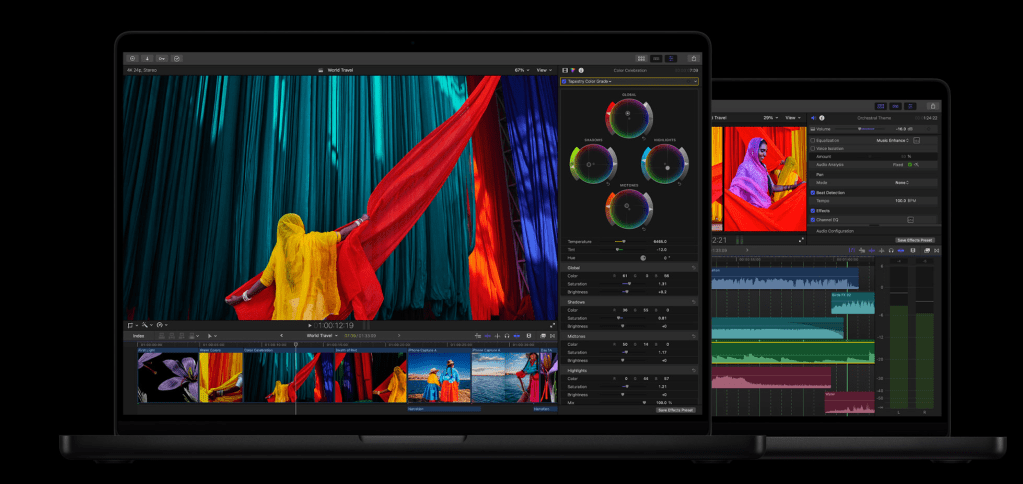
Apple have finally released their much anticipated ‘Apple Creator Studio’ which has raised a few eyebrows.

The apps you need for everything you want to create. Craft your stories with video in Final Cut Pro. Reimagine images in Pixelmator Pro. Produce your best music in Logic Pro. Supercharge productivity with premium content in Keynote, Pages, Numbers, and Freeform. Boost workflows with AI features that build on Apple Intelligence. And with Family Sharing, up to five other people can enjoy your subscription too.

With a price tag for a new subscriber at $12.99 per month or $129 per year after your free trial, it is yet another entry to the area of the market that Adobe Creative Suite has dominated for some time. With the DaVinci Resolve Studio package still retailing at the €313.65 (inc: VAT) for a licence (however Black Magic have also hinted recently at a subscription based option for their software package) this is a competaive option from Apple.

It remains to be seen if Apple and its Final Cut Pro NLE can regain some editing fans, but in the meantime it might be worth checking out the new suite of software apps on a new M4 chip Mac mini or studio.

Check out the details HERE

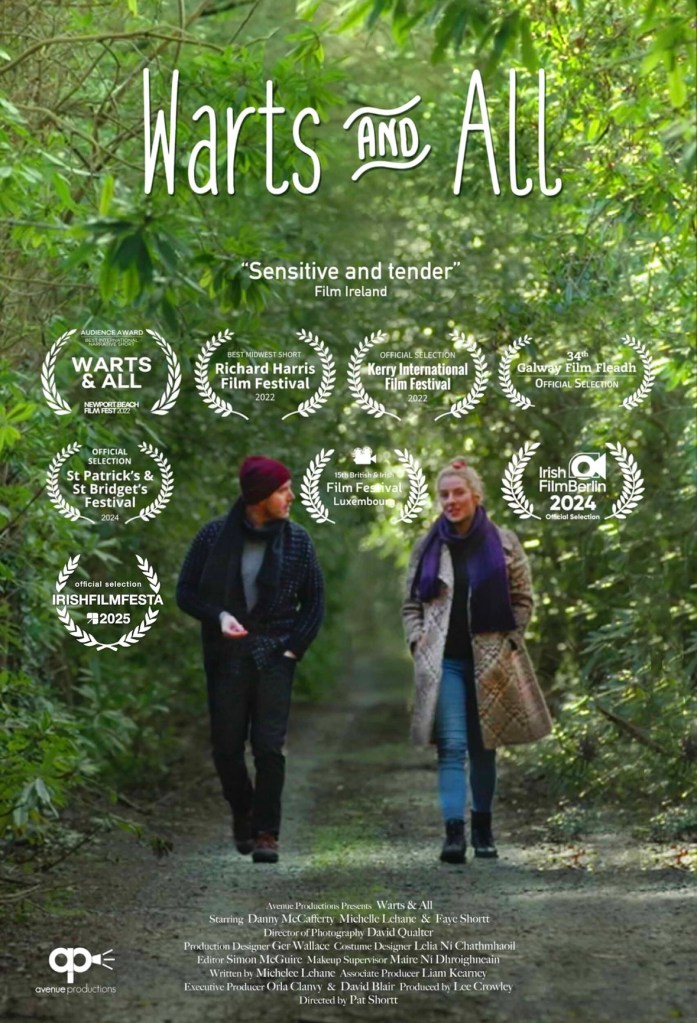
Poster

Avenue Productions are delighted to announce that the award winning ‘Warts & All’ short film, directed by Pat Shortt, will screen on Monday 15th December on RTÉ 2 at 11:30pm as part of the Shortscreen programme.

After a hugely successful festival, there is anticipated excitement in looking forward to the screening to a national audience.

Hugh congratuations to all the cast and crew and all those who worked so hard to bring this story to screen.

Faye Shortt (Actor), Pat Shortt (Director), Michelle Lehane (Writer / Actor), Simon McGuire (Editor)

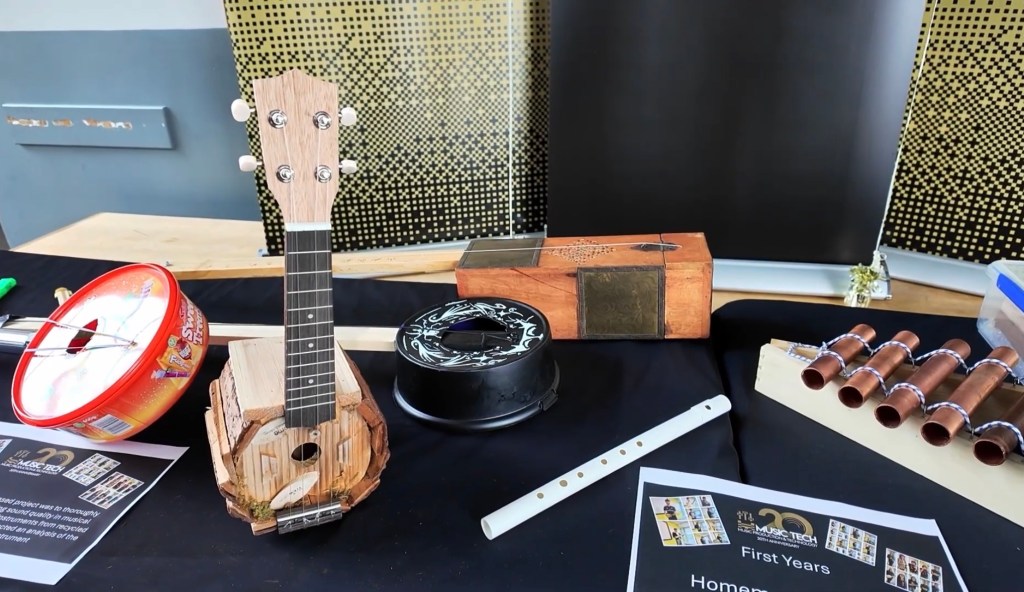
This is episode 2 of series 9 of Word On the Street, a production by Film CEL. LSAD’s in-house production unit.

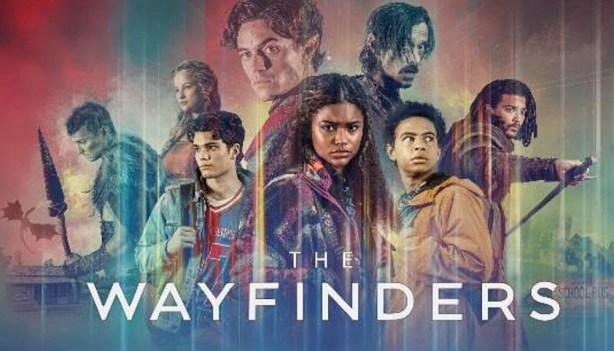
The Wayfinders – artwork by Ken Coleman

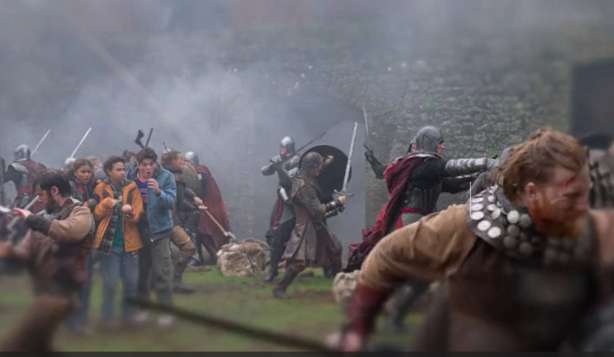
The new trailer for the first series of The Wayfinders has dropped along with the release date on the Angel.com platform. The series which was primarily filmed at Troy Studios and multiple locations around the Mid-West of Ireland and beyond, and employing a strong Irish crew will be released on December 16th.

The Trailer can be viewed at this link below or click the image above

Screenshot

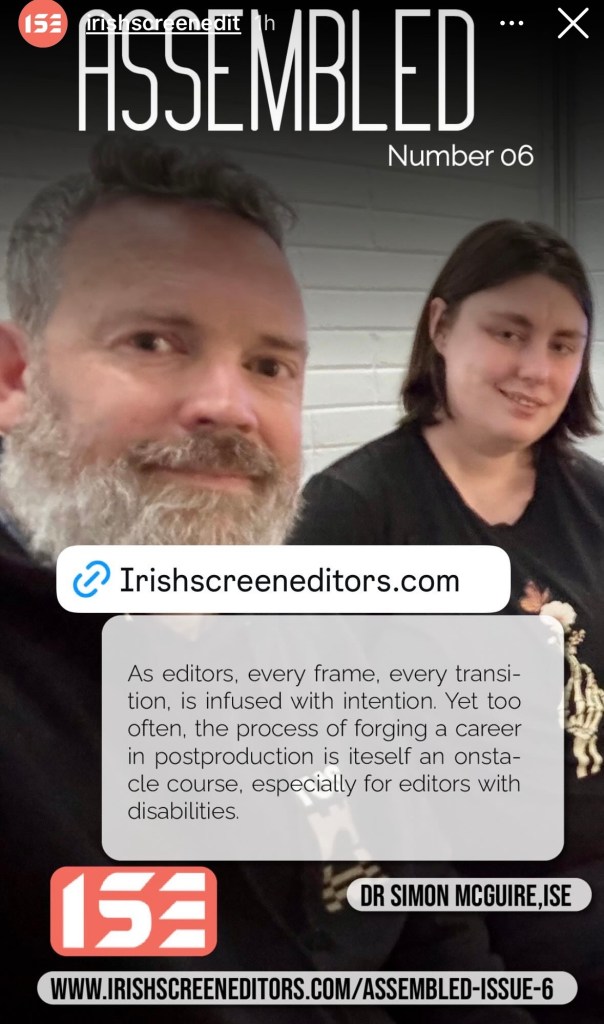
I had the opportunity to write an article for the latest edition of the Assembled Magazine for the Irish Screen Editors Guild (ISE), about the challenges people with disabilities face when entering the post production industry. A recent graduate of mine from the Creative Broadcast & Film Production programme, Katie Quirke, also gave me a direct insight to the challenges and how things can be improved for editors with disabilities. This article and many others are now available to read from the ISE website HERE or by clicking the image above. Special thanks to Katie for allowing me to tell some of her story and to Shane Woods ISE for asking me to contribute to this issue.

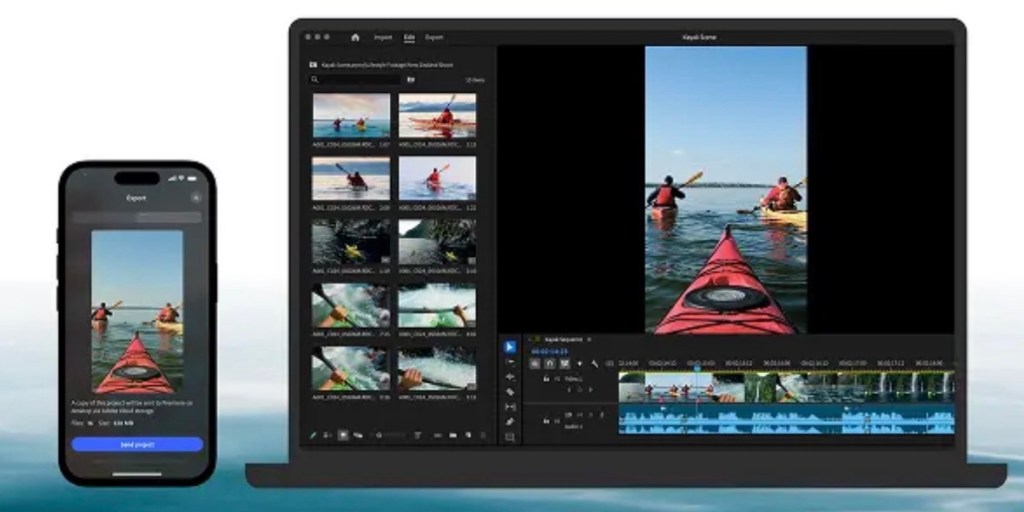
Adobe have released their new mobile version of their flagship NLE, Adobe Premiere for iOS devices. This new iteration replaces the basic Adobe Rush app which didn’t take off as well as Adobe had anticipated all those years ago.

See the download info HERE

According to Wired:

ADOBE HAS HAD a busy year designing and redesigning a number of its most popular apps for mobile, and Premiere for iPhone is the latest—a mobile-first video editing workflow that adapts most of the tools from the desktop version of Premiere to a mobile user interface. You can trim, layer, edit, and even auto-generate captions, alongside all the basic editing features you’d expect, like color and exposure adjustments.

The automatic resizing feature is particularly nice, adapting videos to both horizontal and landscape platforms, making sure your subject is centered for both cuts. As with anything Adobe releases these days, there are plenty of AI-powered features, including the ability to generate backgrounds from a prompt and create sound effects from your voice.

Premiere for iPhone is free, though if you want to use the AI features, you’ll have to buy credits within the app. According to Adobe, the Android version is still under development. —Scott Gilbertson

Colin Michael has released a tutorial for iOS users on the app which can be viewed below:

It remains to be seen if this software will be adopted by mobile editors, as it has some stiff competition with Blackmagic’s Da Vinci Resolve for iOS.

Time will tell whether it fills a gap in the market or become another “Rush” ed project.

New DaVinci Resolve 20 training books now available! HERE

These step by step training guides are for both new and existing users. Using a project based approach, you will discover how to edit a sophisticated trailer for a documentary feature, grade your film using DaVinci Resolve’s legendary color correction tools, enhance your soundtracks with Fairlight and build custom visual effects using Fusion.

With The Beginner’s Guide to DaVinci Resolve 20, you’ll learn how to:

  • Edit your own projects using industry standard editing tools.
  • Normalize audio levels and automatically mix music using the new Ducker track effect.
  • Read video scopes to adjust contrast, color balance and saturation.
  • Create secondary corrections using Color Warper and Color Slice.
  • How to set up projects, sync and manage audio files.

In The Editor’s Guide to DaVinci Resolve 20, you’ll discover how to:

  • Use advanced editing and trimming techniques for different genres.
  • Set up and manage complex projects using smart bins and metadata.
  • Automatically generate transcriptions to jump-start your editing.
  • Use trimming tricks and real time dynamic trimming.
  • Apply multi camera syncing and editing techniques.

The Fairlight Audio Guide to DaVinci Resolve 20 will show you how to:

  • Navigate and customize the Fairlight interface.
  • Work with the Fairlight Sound Library.
  • Create and edit dialogue, music and sound effects tracks.
  • Record voiceover, ADR and Foley tracks.
  • Work with audio track layers to stack, split and build a composite.

In The Colorist Guide to DaVinci Resolve 20, you’ll learn how to:

  • Balance and match footage using primary grading tools.
  • Analyze and color correct images with the help of scopes.
  • Track people and objects with windows and magic masks.
  • Migrate XML timelines and roundtrip workflows.
  • Work with nodes to create sophisticated grades.

The Visual Effects Guide to DaVinci Resolve 20 includes information on how to:

  • Composite using nodes.
  • Combine optimal takes with the split screen technique.
  • Track objects using the point tracker and planar tracker.
  • Compose with multi layer PSD files.
  • Create green screen compositing with the delta keyer and clean plate.

In Advanced Visual Effects Guide to DaVinci Resolve 20, you learn how to:

  • Enhance live action environments with 3D particles.
  • Use multiple keyers for advanced green screen keying.
  • Use Magic Mask to save time rotoscoping.
  • Work seamlessly with 3D assets.
  • Set up 3D scenes with cameras, lights and depth of field.

These books are designed for both beginners and professionals. Beginners will find clear and concise lessons to get you up and running quickly. If you’re a professional switching to DaVinci Resolve, you’ll find lessons that cover everything from the basics to working with audio, adding text, effects, and more. You’ll also find dozens of pro tips and tricks that will help you make the switch to DaVinci Resolve!

Here is the direct link: http://bmd.link/7tipKM

The First 10 Minutes of Episode 1 of The Wayfinders has been released, giving viewers a sneek peek of the adventure the heros are taking. The link for this is HERE or the image above.

All episodes of series 1 will be released at the end of the year.

DaVinci Resolve 20 is officially here.
Blackmagic has finalized its latest post-production suite, introducing over 100 new features—many of them AI-powered.

🧠 From AI IntelliScript to Multicam SmartSwitch and major upgrades to Fusion and Fairlight, here’s everything you need to know about the final release of DaVinci Resolve 20:
👉 https://ymcinema.com/2025/05/28/blackmagic-announces-the-final-release-of-davinci-resolve-20/

Download from here: https://www.blackmagicdesign.com/products/davinciresolve